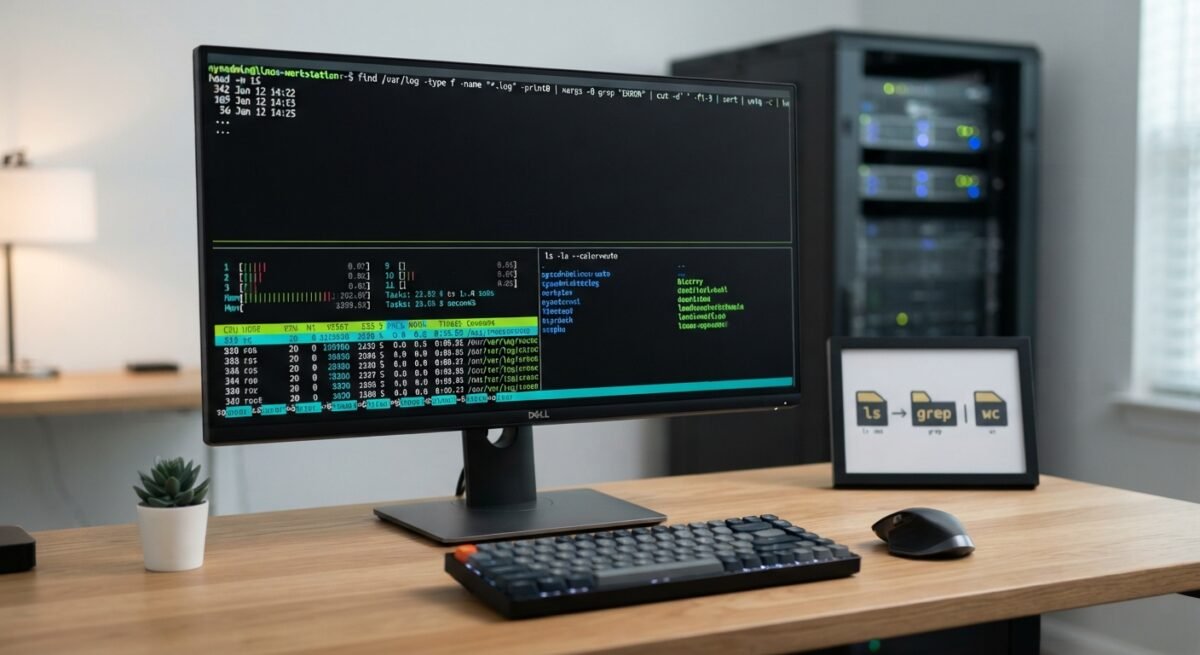
At the heart of Linux lies a philosophy of small, composable tools that do one job well and connect seamlessly through shell pipelines. Whether someone manages production servers, writes software, or explores a local workstation, a compact set of command-line utilities accounts for the vast majority of daily work. Understanding how these core commands fit together turns the terminal from a simple prompt into a fast, reproducible environment for navigating files, inspecting logs, controlling processes, and automating tasks.
Navigating the Filesystem and Inspecting Files
Every terminal session begins with orientation and movement. Commands like pwd, cd, and ls form the spatial foundation of the shell, letting users confirm where they are, jump across directory trees, and inspect file metadata, hidden dotfiles, and directory sizes, as outlined in the GNU Coreutils manual. Practical terminal habits—such as combining flags like ls -la, using tab completion, or recalling prior commands with history shortcuts—make routine directory traversal effortless.
Once inside a directory, reading and manipulating files rely on another tight cluster of utilities. cat prints or concatenates file contents, while head and tail isolate the top or bottom lines of a file—with tail -f indispensable for watching live application or system logs as new lines arrive. Creating, copying, moving, and deleting files are handled by cp, mv, rm, and mkdir, which require care because destructive operations execute immediately without a graphical trash bin. Best practices for safe file manipulation and avoiding accidental overwrites are thoroughly covered in the ArchWiki Core Utilities guide.
Searching, Filtering, and Transforming Text
A major reason Linux remains dominant in engineering and operations is how easily text streams can be searched and reshaped. grep scans files or piped command output for matching patterns or regular expressions, making it an essential tool for pinpointing error messages, configuration directives, or specific packages; practical workflows and flag usage are demonstrated in Red Hat’s guide to searching text with grep. While grep looks inside text, find traverses directory hierarchies to locate files by name, type, size, or modification time, and can execute actions on matches—a behavior documented in detail on the Linux find(1) manual page.
For structured data and multi-stage pipelines, commands such as sort, uniq, cut, awk, and sed allow users to order records, deduplicate entries, extract columns, and perform stream edits without writing a full program. Chaining these tools with the pipe operator (|) lets administrators turn raw command output into concise summaries in a single line. Broad overviews of how these utilities work together in shell scripts and pipelines appear in The Linux Documentation Project’s command reference and the GNU Coreutils toolbox overview.
Permissions, Ownership, and Privilege Boundaries
Because Linux is multi-user by design, access control is central to both security and day-to-day troubleshooting. Every file and directory carries read, write, and execute permissions for the owning user, owning group, and all others. chmod modifies these permission modes using either symbolic notation (such as adding execute permission to a script) or numeric octal values, while chown changes file ownership. Clear explanations of numeric and symbolic modes, along with common permission pitfalls like overly permissive 777 modes, are available in Server Academy’s Linux chmod guide and Opensource.com’s introduction to chmod.
When a task requires administrative privileges—such as updating system packages, editing system-wide configuration in /etc, or restarting services—users typically prefix commands with sudo rather than logging in continuously as root. That boundary protects the system from accidental damage while keeping an audit trail of elevated actions.
Processes, System Health, and Networking
Beyond files and text, everyday Linux usage depends on observing and managing running programs and network activity. ps and top (alongside modern terminal monitors) show active processes, CPU and memory consumption, and process IDs (PIDs), while kill sends signals—such as graceful termination or forced stop—to misbehaving or hung processes. On the networking side, curl transfers data over HTTP, HTTPS, and other protocols to test APIs or download resources, and rsync efficiently synchronizes directories locally or across remote hosts while preserving attributes and skipping unchanged files. Index listings of standard user commands and system utilities can be browsed in the man7.org Section 1 manual index and the man7.org coreutils(1) manual page.
Ultimately, mastering the most common Linux commands is less about memorizing obscure flags and more about building fluency with a cohesive set of primitives. Once cd, ls, cat, grep, find, chmod, ps, kill, and curl become second nature, users can inspect systems faster, automate repetitive chores, and adapt smoothly across virtually any Linux distribution.
Source Bibliography
- Free Software Foundation. GNU Coreutils Manual (Version 9.12). https://www.gnu.org/software/coreutils/manual/coreutils.html
- Kerrisk, Michael (Ed.). coreutils(1) — Linux Manual Page. man7.org. https://man7.org/linux/man-pages/man1/coreutils.1.html
- Kerrisk, Michael (Ed.). find(1) — Linux Manual Page. man7.org. https://man7.org/linux/man-pages/man1/find.1.html
- Kerrisk, Michael (Ed.). Linux Manual Pages: Section 1. man7.org. https://man7.org/linux/man-pages/dir_section_1.html
- ArchWiki Contributors. Core Utilities. Arch Linux Wiki. https://wiki.archlinux.org/title/Core_utilities
- Linux Foundation Training. Five Practical Guides for Managing Linux Terminal and Commands. https://training.linuxfoundation.org/blog/five-practical-guides-for-managing-linux-terminal-and-commands/
- Red Hat. Find Text in Files Using the Linux grep Command. Red Hat Blog. https://www.redhat.com/en/blog/find-text-files-using-grep
- Server Academy. Linux chmod Command: File Permissions Guide. https://www.serveracademy.com/blog/linux-chmod-command-permissions
- Formy-Duval, Alan. Introduction to the Linux chmod Command. Opensource.com. https://opensource.com/article/19/8/linux-chmod-command
- Cooper, Mendel. Advanced Bash-Scripting Guide: Part 4. Commands. The Linux Documentation Project (TLDP). https://tldp.org/LDP/abs/html/part4.html
- Research Coding Club. GNU Coreutils — The Standard Command Line Toolbox. https://researchcodingclub.github.io/slides/2017-07-21-coreutils.pdf