Categories
Command Line Internet Linux

Archiving and Compression on Linux: The Role of tar and zip

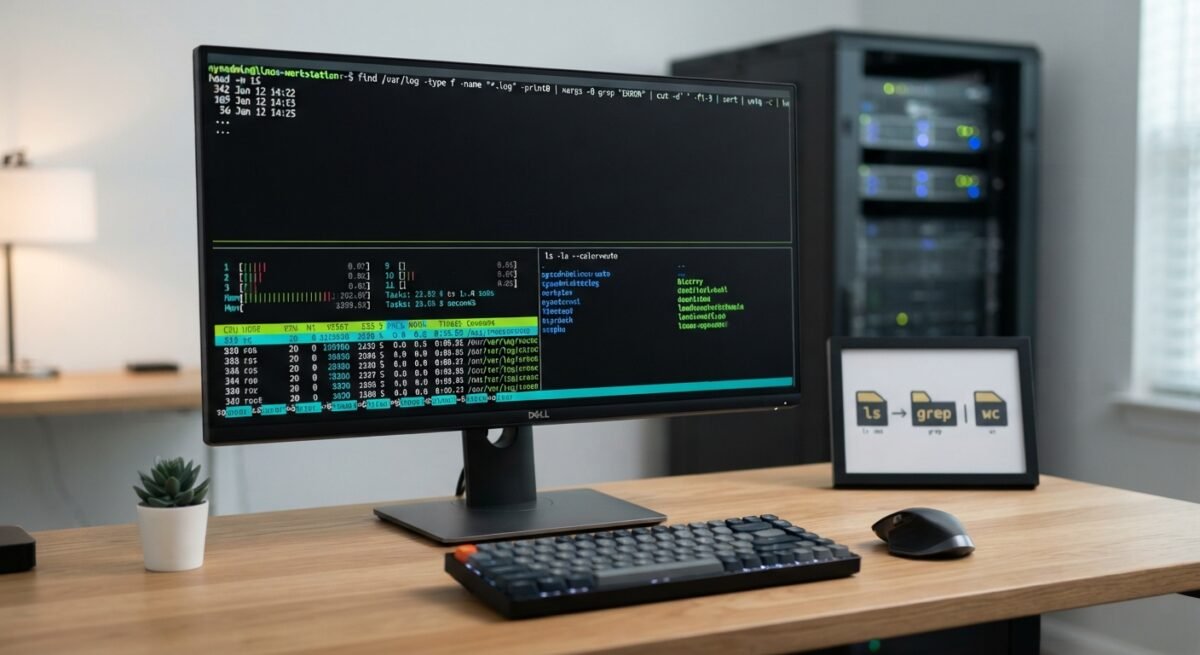
On Linux systems, packaging files for storage, transfer, or backup relies on two fundamental concepts that beginners often conflate: archiving and compression. Archiving bundles multiple files and directories into a single container while preserving structure and metadata, whereas compression reduces byte size by encoding redundancy. Two of the most enduring command-line tools for these tasks are tar and zip. Although both can produce single-file bundles containing entire directory trees, they originate in different computing traditions, handle compression and filesystem metadata differently, and excel in distinct workflows.

Categories
Books Command Line Internet Programming

Understanding the Linux Command Line

Introduction

Welcome to the world of the Linux command line.

Beneath the sleek, graphical interfaces of modern computing lies an incredibly rich, expressive, and powerful environment: the text-based command line interface (CLI). For decades, computing has evolved toward visual simplicity—drag-and-drop actions, icons, and menus designed to hide complexity. While graphical user interfaces (GUIs) make everyday tasks accessible to anyone, they also build a wall between the user and the raw capabilities of the underlying operating system.

Stepping into the command line means stepping through that wall. It shifts your role from a passive consumer of software to an active driver of your system. Rather than being constrained to the specific buttons and menus a software designer chose to provide, the command line offers direct, unmediated communication with your computer using a clear, written syntax.

Categories
Command Line

The Everyday Toolkit: Most Important Linux Commands

At the heart of Linux lies a philosophy of small, composable tools that do one job well and connect seamlessly through shell pipelines. Whether someone manages production servers, writes software, or explores a local workstation, a compact set of command-line utilities accounts for the vast majority of daily work. Understanding how these core commands fit together turns the terminal from a simple prompt into a fast, reproducible environment for navigating files, inspecting logs, controlling processes, and automating tasks.

Categories
Command Line Fedora

The Linux Ecosystem: Navigating Distributions and Packaging Systems

Linux is a powerful, open-source operating system kernel created by Linus Torvalds in 1991. Because the core operating system is freely distributed under the GNU General Public License, anyone can take the kernel, combine it with system utilities, window managers, and application software, and assemble a complete operating system. These custom-tailored collections are known as distributions, or distros.

With hundreds of active operating systems available, navigating the Linux ecosystem can feel overwhelming. However, almost every major Linux distribution can be classified into distinct families based on its underlying package management system. Package managers handle software installation, updates, dependency resolution, and system integrity.

Categories
Command Line Fedora

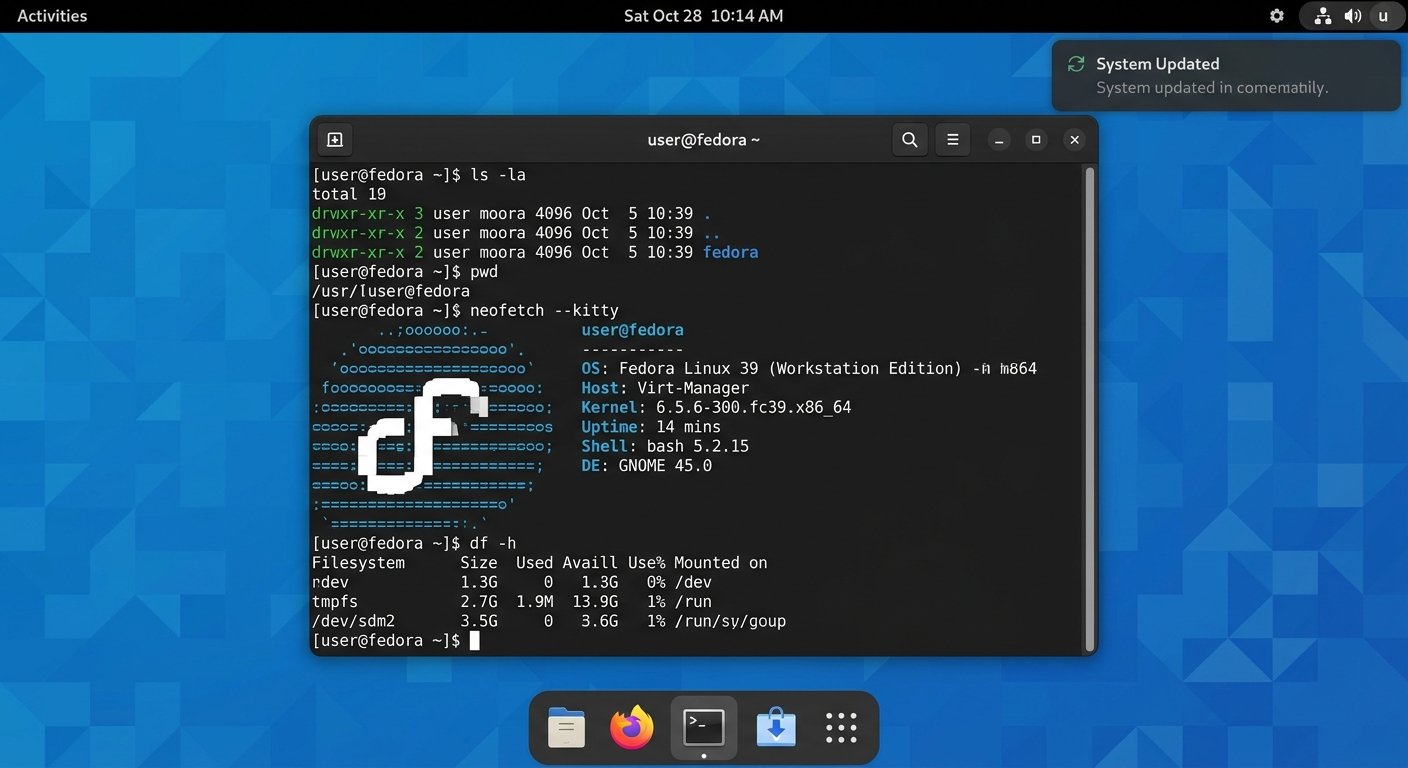
The GNOME Terminal: A Comprehensive Guide

The visual interface of modern Linux distributions, such as Fedora or Ubuntu, often provides an inviting and intuitive environment for users. However, for those seeking the true power and efficiency of the operating system, the GNOME Terminal is an indispensable tool. A terminal emulator, as the name suggests, emulates the historical physical terminal, providing a graphical window into the command line interface (CLI). This allows users to execute instructions directly to the shell, the core interpreter of the operating system. This essay will explore the GNOME Terminal, detailing how to open, close, and utilize it effectively for common Linux commands.