Categories
Fedora Networking

Streamlining Virtualization: Running Fedora Server on Fedora Workstation via GNOME Boxes

The Linux operating system has long been celebrated for its robustness, flexibility, and power as a hosting environment. Among its many strengths, native support for kernel-based virtualization transforms a standard Linux desktop into a comprehensive hypervisor. Setting up and managing virtual machines (VMs) has historically been associated with complex configurations, tedious command-line switches, and dense networking parameters. However, modern Linux distributions have radically simplified this landscape. By leveraging tools built directly on Kernel-based Virtual Machine (KVM) technology, users can effortlessly spin up virtual environments.

A prime example of this seamless capability is running Fedora Server inside Fedora Workstation using GNOME Boxes. This combination demonstrates how accessible enterprise-grade virtualization has become for everyday users, developers, and system administrators alike.
Categories
Command Line Fedora Internet Networking Programming Websites

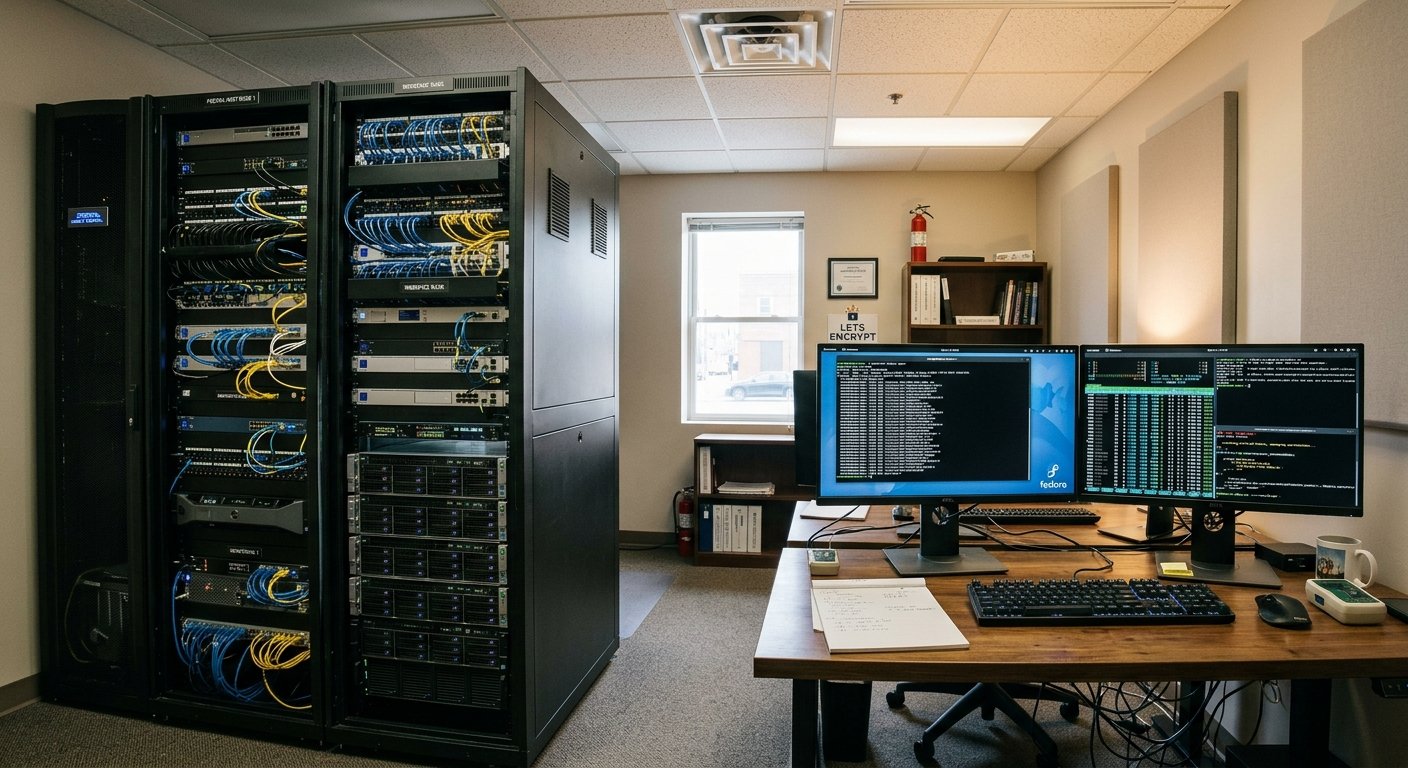
The Foundations of Self-Hosted Web Infrastructure

Building a web hosting business from the ground up by acquiring hardware, renting commercial office or rack space, and self-managing system software is a major undertaking. It transitions an enterprise from a mere reseller of cloud services into a true infrastructure operator. Operating bare-metal servers demands a rigorous synthesis of capital investment, facility management, system administration expertise, and precise technical execution.

Categories
Command Line Networking

A Comprehensive Guide to the Most Frequently used Linux Bash Commands

1. Navigation & Directory Management

These commands allow you to move around the file system, view contents, and manage folders.

  • pwd (Print Working Directory)
    • Usage: pwd
    • Meaning: Displays the absolute path of the current working directory you are in. Learn more via the GNU Coreutils Documentation.
  • ls (List)
    • Usage: ls -la (Lists all files, including hidden ones, in a detailed list format)
    • Meaning: Lists directory contents. Common flags include -l (long format) and -a (all hidden files). Check out this DigitalOcean Linux Command Cheat Sheet for more options.
  • cd (Change Directory)
    • Usage: cd /path/to/directory or cd ~ (goes to home)
    • Meaning: Changes your current working directory. Typing cd .. moves you up one level.
  • mkdir (Make Directory)
    • Usage: mkdir my_folder or mkdir -p path/to/nested/folder
    • Meaning: Creates a new directory. The -p flag creates parent directories as needed without throwing an error if they already exist.
Categories
Internet Networking Programming

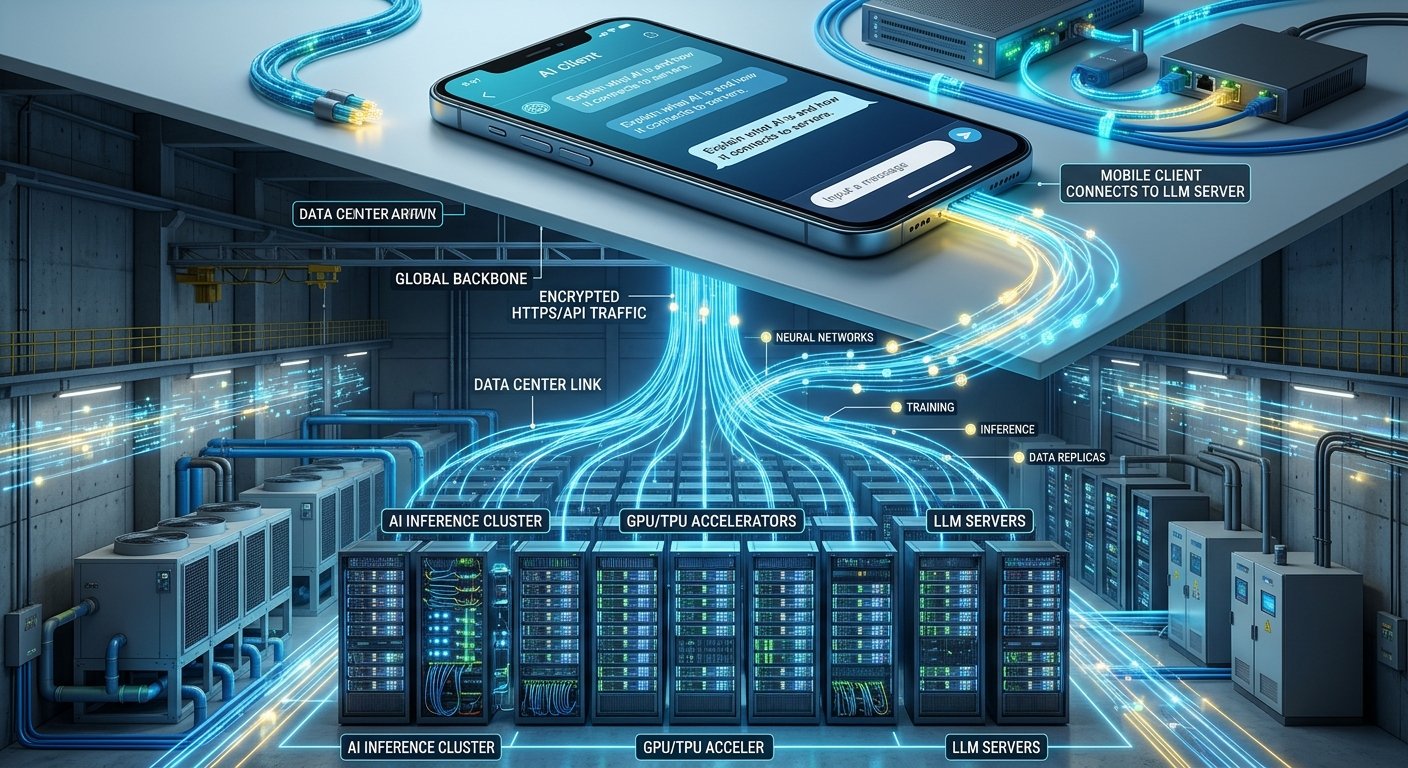
Decoding Artificial Intelligence: Architecture, Servers, and Connectivity

Artificial Intelligence (AI) has rapidly transformed from a niche academic field into the digital backbone of modern society. Behind the conversational interfaces, automated recommendations, and complex analytical systems lies a vast ecosystem of software, hardware, and global networking.

Understanding how AI functions requires looking past the screen to examine how it works fundamentally, where its servers are physically located, how they integrate with data centers, and how client applications communicate seamlessly with large language models (LLMs).

Categories
Internet Networking

Demystifying Computer Networking: Protocols, Addressing, and Subnets

At its core, computer networking is the invisible infrastructure that allows billions of devices worldwide to communicate, share data, and access information. Whether you are loading a webpage, sending an instant message, or streaming a video, a complex suite of rules and mathematical structures works behind the scenes to deliver data accurately.

To understand how this digital ecosystem functions, we need to examine the foundational layers of networking: how data is transmitted using TCP/IP, why IPv4 addresses are structured the way they are, and how netmasks and network classes organize global traffic.