Categories
Computers Internet

From Room-Sized Vacuum Tubes to Multi-Core Silicon: The History and Evolution of the CPU

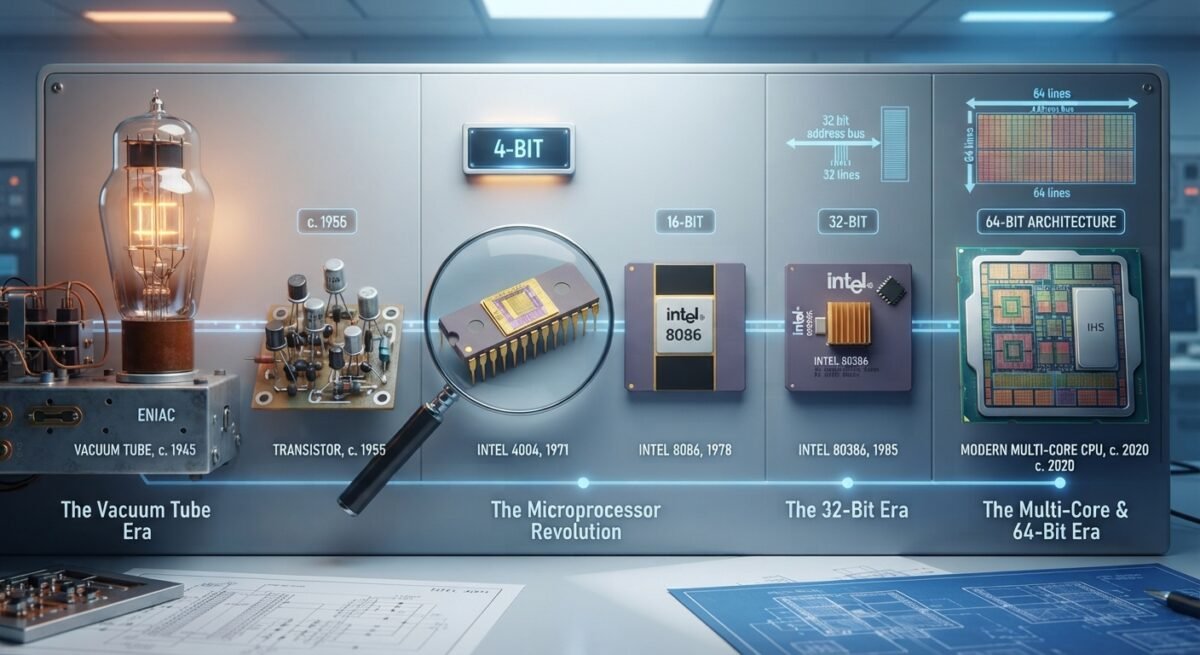
The Central Processing Unit (CPU) serves as the computational core of modern digital devices, executing program instructions through a continuous cycle of fetching, decoding, and executing data. Over the past eight decades, the CPU has evolved from room-sized assemblies of fragile glass vacuum tubes into microscopic silicon chips containing billions of transistors. This transformation—driven by breakthroughs in solid-state physics, architectural scaling, and the transition from 32-bit to 64-bit computing—redefined human industry, communication, and science.
Categories
Internet Programming

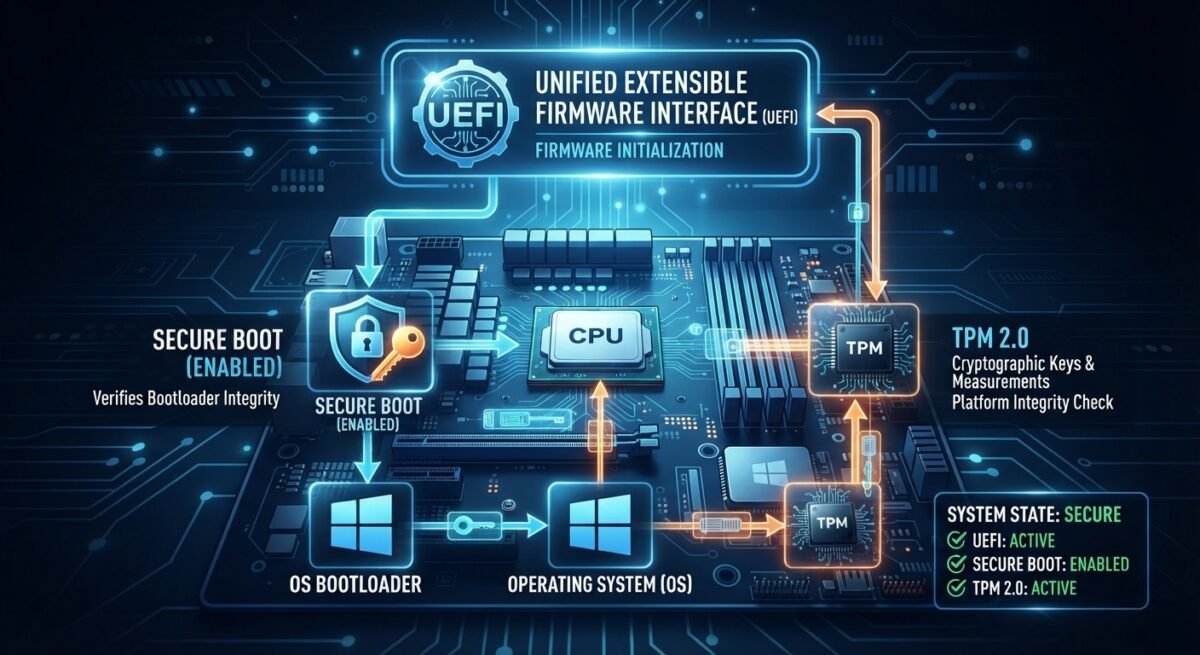
Computer Security and the Boot Process

Modern computer security begins milliseconds after you press the power button—long before an operating system kernel loads, user accounts authenticate, or antivirus software initializes. For decades, personal computers relied on legacy BIOS firmware that ran in 16-bit real mode, addressed limited memory, and read executable code from a Master Boot Record without cryptographic verification. Today, three foundational technologies—UEFI, Secure Boot, and the Trusted Platform Module (TPM)—form the architectural backbone of trusted startup on modern PCs, servers, and embedded systems.

Categories
Command Line Internet Linux

Archiving and Compression on Linux: The Role of tar and zip

On Linux systems, packaging files for storage, transfer, or backup relies on two fundamental concepts that beginners often conflate: archiving and compression. Archiving bundles multiple files and directories into a single container while preserving structure and metadata, whereas compression reduces byte size by encoding redundancy. Two of the most enduring command-line tools for these tasks are tar and zip. Although both can produce single-file bundles containing entire directory trees, they originate in different computing traditions, handle compression and filesystem metadata differently, and excel in distinct workflows.

Categories
Fedora Internet Websites

Navigating the Linux Desktop: A Study of the Nautilus File Manager and Its Role in Fedora

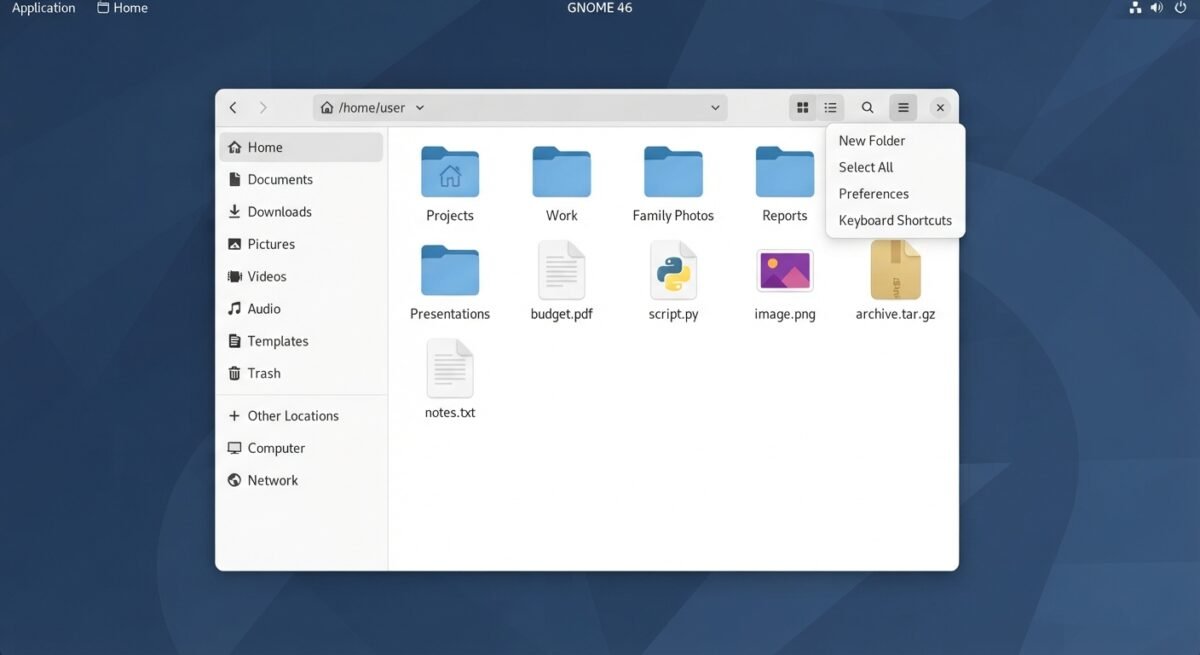
In the graphical world of Linux, a file manager is far more than a visual wrapper around filesystem commands—it is the primary spatial bridge between a user’s personal data, system storage, network shares, and installed applications. On the GNOME desktop environment and throughout the default workstation edition of Fedora Linux, that bridge is GNOME Files, widely known by its original and internal codename, Nautilus. Balancing clean minimalist design with deep desktop integration, Nautilus exemplifies how open-source software evolves across decades of shifting interface paradigms, toolkit migrations, and Linux distributions.

Categories
Books Command Line Internet Programming

Understanding the Linux Command Line

Introduction

Welcome to the world of the Linux command line.

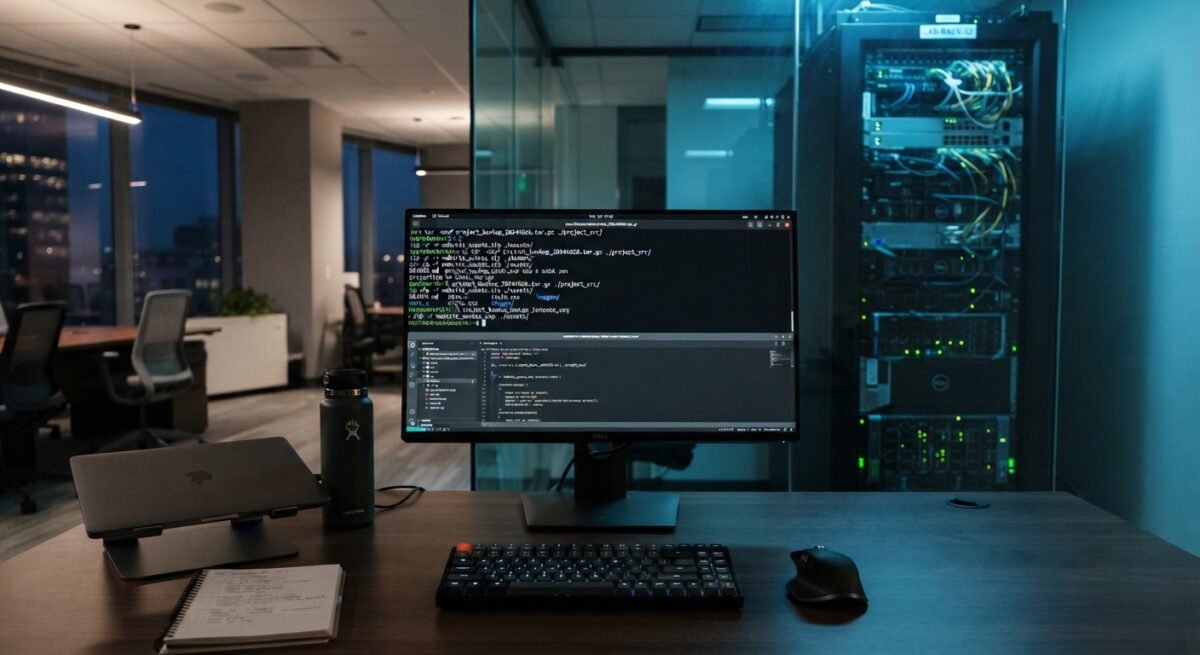
Beneath the sleek, graphical interfaces of modern computing lies an incredibly rich, expressive, and powerful environment: the text-based command line interface (CLI). For decades, computing has evolved toward visual simplicity—drag-and-drop actions, icons, and menus designed to hide complexity. While graphical user interfaces (GUIs) make everyday tasks accessible to anyone, they also build a wall between the user and the raw capabilities of the underlying operating system.

Stepping into the command line means stepping through that wall. It shifts your role from a passive consumer of software to an active driver of your system. Rather than being constrained to the specific buttons and menus a software designer chose to provide, the command line offers direct, unmediated communication with your computer using a clear, written syntax.