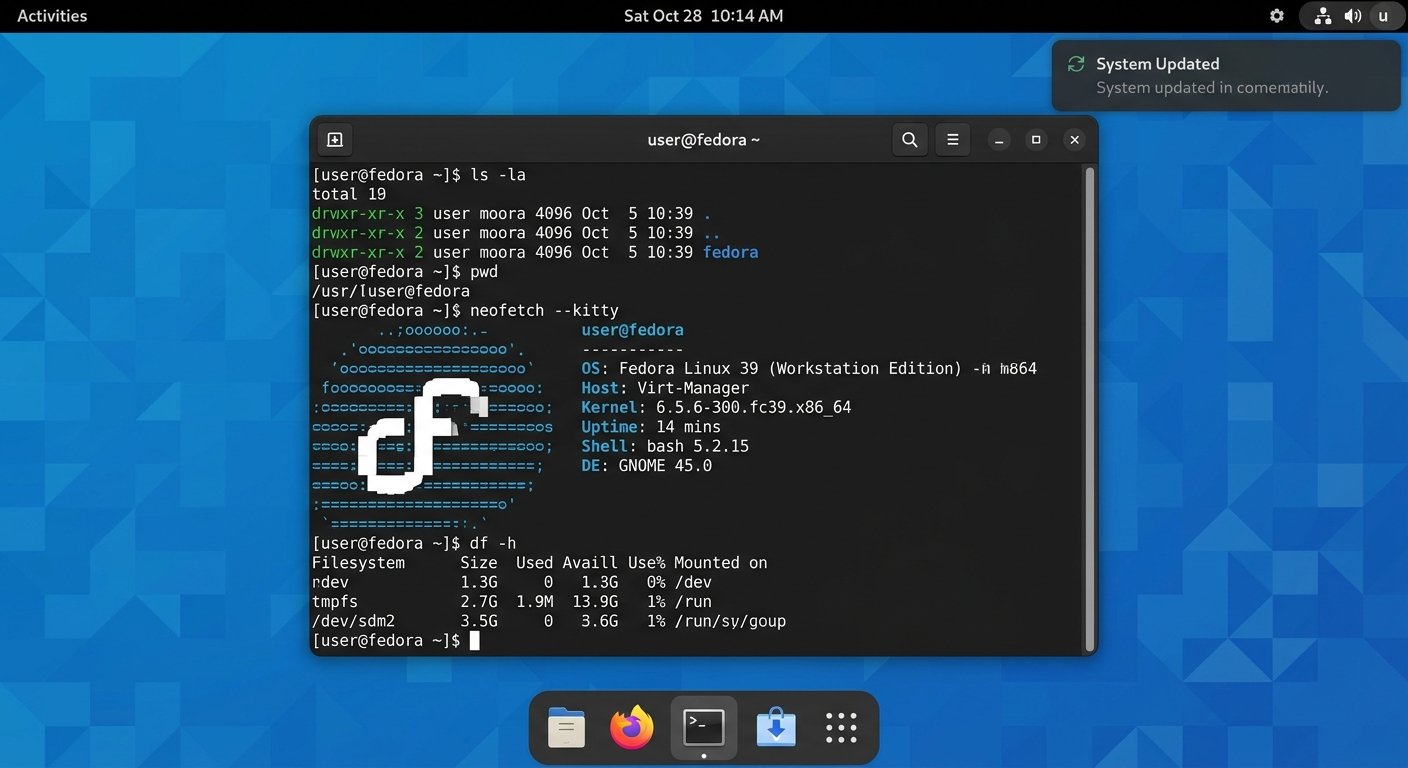
The visual interface of modern Linux distributions, such as Fedora or Ubuntu, often provides an inviting and intuitive environment for users. However, for those seeking the true power and efficiency of the operating system, the GNOME Terminal is an indispensable tool. A terminal emulator, as the name suggests, emulates the historical physical terminal, providing a graphical window into the command line interface (CLI). This allows users to execute instructions directly to the shell, the core interpreter of the operating system. This essay will explore the GNOME Terminal, detailing how to open, close, and utilize it effectively for common Linux commands.